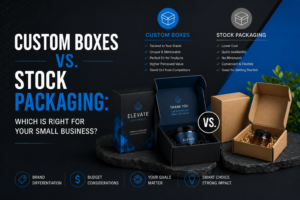
Custom Boxes vs. Stock Packaging: Which Is Right for Your Small Business?
Introduction Every growing brand eventually asks the same question: is it time to move from stock packaging to fully custom boxes? The



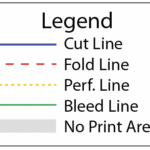
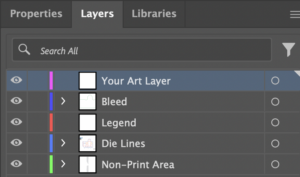

Introduction Every growing brand eventually asks the same question: is it time to move from stock packaging to fully custom boxes? The
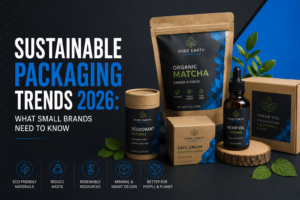
Introduction Sustainable packaging has moved from a differentiator to an expectation. Shoppers are actively factoring environmental impact into buying decisions, and small
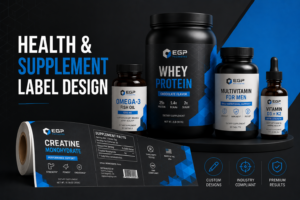
Introduction Supplements and health products are sold on the promise of a benefit, which is exactly why label requirements in this category